
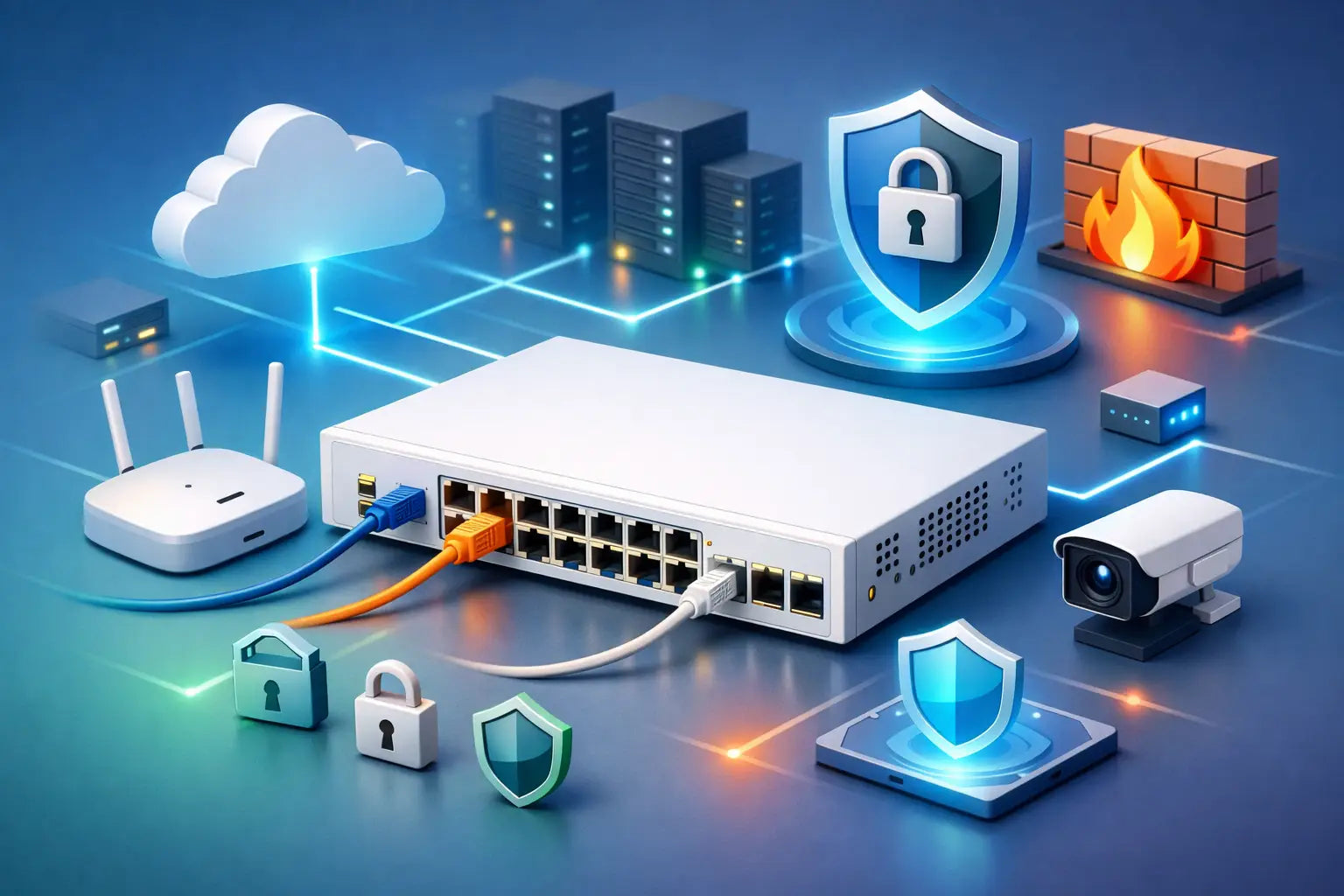
A FortiSwitch can strengthen your network or quietly widen your attack surface. The difference usually comes down to deployment discipline. If you are working out how to deploy FortiSwitch securely, the real job is not simply getting ports live. It is building a switching layer that supports segmentation, controlled access, visibility and operational resilience from day one.
For most organisations, that means treating the switch as part of the wider security platform, not as a standalone access device. A fast rollout with default settings might get users online quickly, but it can also leave management exposed, flatten internal network boundaries and make lateral movement far easier than it should be.
Start with the security design, not the rack space
Before a switch is mounted or adopted, define what the network is meant to permit and what it must prevent. That sounds obvious, but many insecure deployments start with physical convenience. Users, printers, phones, cameras, wireless access points and uplinks get patched in first, and policy is bolted on later.
A better approach is to map your trust zones before deployment. Separate corporate users from voice, guest, OT, IoT and management traffic. Decide which devices need east-west access and which should only reach a gateway, controller or cloud service. If your environment has compliance obligations, this is where you align the switching design with logging, access restrictions and change control requirements.
FortiSwitch is most effective when it is deployed as part of an integrated Fortinet architecture. In practical terms, that means using FortiGate for centralised policy where appropriate and designing VLANs, interfaces and enforcement around business risk rather than just cabling convenience.
How to deploy FortiSwitch securely from day one
The first security control is software integrity. Before production rollout, confirm the switch is on a stable and supported FortiOS-compatible firmware path. Do not assume a device arriving from distribution is on the version you want. Version mismatches can create management issues, feature inconsistency or known exposure to older vulnerabilities.
Once firmware is validated, lock down administrative access immediately. Change default credentials, restrict management to dedicated admin networks and disable any access methods you do not need. If HTTPS and SSH are sufficient, leave legacy protocols off. Management should never sit on a broad user VLAN just because it is convenient during commissioning.
Authentication also needs more than a shared local admin account. Use role-based administration where possible and integrate with central authentication if that fits your operating model. The goal is traceability and reduced credential risk. In a small business, that may mean a tightly controlled local admin process. In a larger environment, it usually means central identity, approval workflows and logged privileged access.
Physical port policy comes next. Every unused port should be disabled unless there is a current business need. For active ports, apply the minimum level of access required. A desk phone and a finance workstation should not inherit the same trust level as a core uplink. This is where templated profiles save time and reduce human error.
Segmentation matters more than raw switching performance
A secure switch deployment is built on segmentation. Throughput, PoE budget and port density matter, but they do not contain incidents. Well-planned segmentation does.
At a minimum, create clear boundaries between user devices, servers, printers, building systems, surveillance, voice and management. Guest connectivity should remain isolated from internal business systems. If you support multiple branches, keep local segmentation consistent so policy enforcement remains predictable across sites.
There is a trade-off here. More VLANs and tighter controls improve containment, but they also increase design and operational complexity. That is not an argument against segmentation. It simply means the model should match your internal capability. A smaller business may need a simpler structure that can be managed reliably. An enterprise or regulated environment can justify finer separation because the risk and audit requirements are higher.
Native VLAN use should be reviewed carefully, and trunk links should only carry the VLANs they actually need. Allowing everything everywhere is easy in the short term and expensive later when troubleshooting or responding to an incident.
Secure the edge with NAC and port-level controls
If you want to know how to deploy FortiSwitch securely in a real-world office, branch or campus, focus on edge access. The access layer is where unknown devices appear, contractors plug in, rogue hardware gets introduced and stale wall ports become liabilities.
802.1X should be the first option where your device mix supports it. It gives you identity-aware access control and helps ensure devices land on the right network segment based on policy. For devices that cannot support 802.1X, such as some printers or IoT endpoints, MAC-based controls or tightly scoped exception handling may be necessary. The key point is to avoid broad, unauthenticated access simply because a device is awkward.
Port security features should also be enabled where they make operational sense. Limit MAC addresses on ports that are intended for single endpoints. Use sticky MAC cautiously if you need operational convenience, but monitor changes. DHCP snooping, ARP inspection and storm control can all reduce common attack paths and accidental disruption when configured properly.
None of these controls exists in isolation. Their value comes from layering. A single control can fail or be bypassed. Several aligned controls usually force an attacker into a noisier, riskier path.
Protect the management plane properly
A surprising number of switch deployments are weakened by poor management-plane hygiene. This is not just about passwords. It is about deciding who can administer the platform, from where, using which protocol, and with what visibility.
Use a dedicated management VLAN or out-of-band approach where practical. Restrict administrative source IPs. Enforce MFA through the broader management stack if available. Log configuration changes and forward logs to a central system so switch events are not stranded on the device.
SNMP deserves special attention. If you need it, use secure versions and tightly limit polling sources. If you do not need it, turn it off. The same applies to discovery and legacy services. Every enabled service is another point to validate, monitor and defend.
Backups are part of management security too. Keep current, tested configuration backups and document your baseline settings. During an outage or replacement scenario, speed matters, but so does consistency. Restoring an insecure or outdated template just recreates old problems.
Uplinks, stacking and resilience need security thinking
High availability and security should support each other. Redundant uplinks, stack design and topology controls improve resilience, but poor implementation can also create loops, overexposed transit paths or inconsistent policy application.
Enable loop protection and use spanning-tree settings that reflect the role of each port. Edge ports should not behave like infrastructure links. Uplinks between switches and firewalls should be explicitly defined, documented and monitored. If you are stacking switches, keep software versions aligned and treat the stack as critical infrastructure, because operational mistakes at that layer can affect a large user base quickly.
Resilience decisions also depend on budget and risk. A regional office may only justify a simpler topology with clear failover procedures. A site supporting critical operations may need dual uplinks, controlled stack architecture and tighter maintenance windows. Security done right is not overbuilding everything. It is matching design to impact.
Ongoing hardening is where secure deployments stay secure
Even a well-built rollout drifts over time. Temporary ports stay enabled. Exception VLANs become permanent. Firmware updates get deferred because nobody wants to touch production switching during business hours.
That is why secure deployment must include an operating rhythm. Review firmware against supported and recommended versions. Audit admin accounts and source restrictions. Check for disabled controls, unusual MAC movement, unexpected VLAN spread and ports that no longer match their intended use. Validate logs are still reaching your monitoring platform and that alerting reflects real operational priorities.
For organisations with limited in-house resources, this is often where external specialist support pays for itself. The upfront hardware cost is only part of the picture. The real value comes from having a design and lifecycle approach that holds up under change, growth and audit scrutiny. That is particularly relevant in Australian environments balancing branch connectivity, hybrid work, procurement pressure and compliance expectations.
A secure FortiSwitch deployment is not about making the network complicated. It is about making access deliberate. When each port, VLAN, uplink and admin setting reflects a defined purpose, your switching layer stops being a blind spot and starts supporting measurable protection. If you get that foundation right, every later decision across firewalling, NAC, wireless and monitoring becomes easier to defend and easier to operate.