
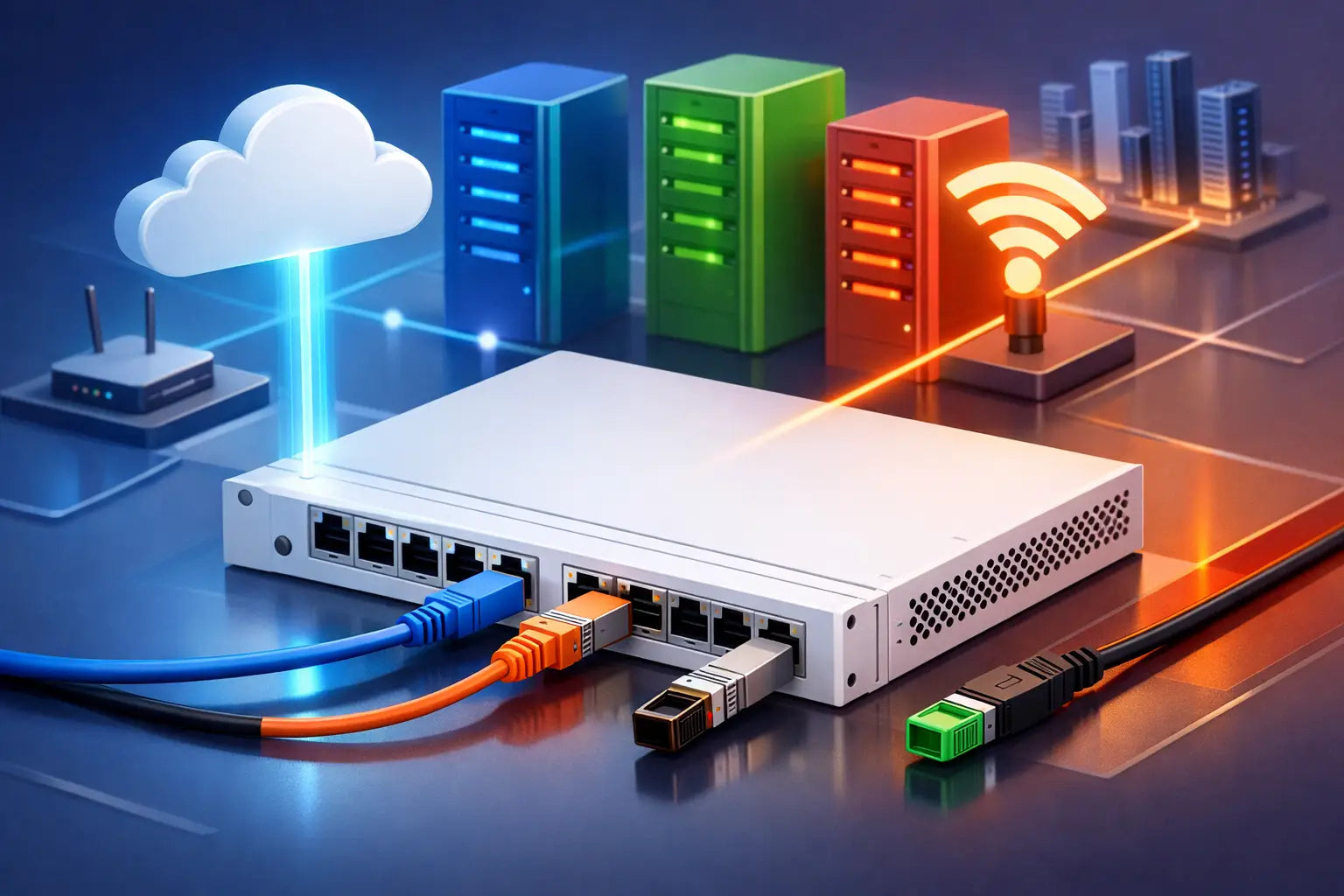
A switch uplink can be a small line item on a bill of materials and still determine whether the network performs under pressure. A 1 GbE uplink may look adequate on a quiet access switch, then become the bottleneck when Wi-Fi 6 access points, cloud traffic, backups, voice and security inspection all peak at once. Knowing how to choose FortiSwitch uplinks means designing for real traffic flows, fault tolerance and FortiLink management - not simply selecting the fastest port available.
For Australian organisations, the right decision also needs to account for site layout, existing cabling, available FortiGate interfaces and the cost of optics, patching and spare capacity. The objective is a well-matched Fortinet architecture: enterprise-grade protection and predictable network performance without paying for capacity that will never be used.
Start with the role of the uplink
“Uplink” can describe several different connections. It may be the FortiSwitch connection to a FortiGate through FortiLink, an access switch connection to a distribution switch, or a distribution layer connection to the core. These links have different traffic profiles and should not automatically be sized the same way.
An access switch uplink aggregates user devices, phones, printers, cameras and wireless access points. A distribution or core uplink may aggregate several access switches, servers, storage and internet-bound traffic. The more aggregation a link carries, the more carefully its bandwidth and redundancy need to be engineered.
First, map where traffic actually goes. A branch office with cloud-first applications often sends most traffic north-south towards the FortiGate and WAN. A site with local file servers, virtualisation hosts or video systems may also generate significant east-west traffic between switches and local workloads. This distinction affects both the speed and the placement of uplinks.
How to choose FortiSwitch uplinks by capacity
Avoid selecting uplink speed by counting edge ports alone. A 48-port access switch does not necessarily need 48 GbE of upstream bandwidth, because not every endpoint transmits at line rate at the same time. However, oversubscription must reflect the environment and business impact of congestion.
A 1 GbE uplink can remain suitable for a small office with modest internet services and limited local traffic. In many modern deployments, 10 GbE is the practical baseline for an access-switch uplink, particularly where the switch supports multiple Wi-Fi 6 or Wi-Fi 6E access points, high-resolution cameras, CAD users, large cloud synchronisation jobs or local servers.
25 GbE is increasingly sensible at the distribution layer and for high-density access environments. It gives meaningful headroom over 10 GbE without jumping immediately to 40 or 100 GbE. Higher speeds are generally justified at the core, between server and storage infrastructure, or where several switches aggregate into a central point.
Consider these demand drivers together rather than in isolation:
- High-speed wireless access points can create concentrated bursts that quickly consume a 1 GbE upstream link.
- Multi-gigabit edge ports for laptops, engineering workstations or modern APs require uplinks that can absorb their combined traffic.
- Security cameras, voice and operational technology may appear low-bandwidth individually but can create persistent aggregate load.
- Local virtualisation, backup windows and file services can place far greater pressure on internal links than internet bandwidth figures suggest.
Do not overlook the FortiGate
A high-speed FortiSwitch uplink offers little value if the FortiGate cannot provide matching interfaces, or if enabled security services reduce available throughput below the expected traffic level. FortiGate performance must be assessed for the services that will be active: IPS, application control, SSL inspection, antivirus, VPN and SD-WAN can all influence the usable throughput profile.
Check both the physical ports and the security throughput specification. A firewall with 10 GbE interfaces may be physically compatible with a 10 GbE FortiLink design, but the overall solution still needs enough inspected throughput for peak demand. This is a common point of under-sizing when a business refreshes switching but retains an older firewall.
Design resilience before choosing ports
A single uplink is inexpensive and simple, but it is also a single point of failure. If the access switch supports critical staff, phones, wireless or operational systems, use two physical links where the Fortinet topology and switch models support it. These can be configured as a link aggregation group using LACP, providing additional bandwidth and continuity if one cable, optic or port fails.
Redundancy is only meaningful when the paths are genuinely independent. Two links in the same cable tray, terminating on the same firewall or distribution switch, improve protection against a failed interface but not against a device outage. For higher availability requirements, consider dual FortiGates in a supported HA design and dual-homed switching with the appropriate FortiLink and MCLAG architecture.
The exact design depends on the FortiSwitch model, FortiOS and FortiSwitchOS releases, and the supported topology. Do not assume that a design used on one FortiSwitch family will behave identically on another. Confirm the relevant compatibility guidance before committing to hardware, especially where FortiLink, LACP, MCLAG, VLAN segmentation and HA are combined.
Resilience also has an operational trade-off. Dual links consume ports, optics and cabling, and they introduce configuration dependencies. For a low-risk satellite office, a single 10 GbE uplink with a cold spare optic may be commercially appropriate. For a medical practice, warehouse, school or multi-site business that depends on continuous wireless and voice services, engineered redundancy is usually the better value.
Choose the physical media to suit the site
The port speed is only half the decision. The cable type and transceiver need to suit the distance, cable pathway and future support model.
Direct-attach copper cables, commonly called DACs, are cost-effective for short connections within the same rack or adjacent racks. They are an excellent option for compact comms rooms, but their practical length and flexibility make them unsuitable for most building runs.
Multimode fibre with short-range optics is commonly used for in-building uplinks where existing multimode cabling is available and distances are within the optic specification. Single-mode fibre with long-range optics costs more but is the appropriate choice for longer campus runs, inter-building links and designs that need greater distance headroom. Active optical cables can also suit selected short-to-medium runs where a pre-terminated solution is practical.
Use transceivers and cables approved for the FortiSwitch and FortiGate models in the design. An optic that appears mechanically compatible may not be supported, may report errors, or may complicate vendor support during an incident. The lowest upfront optics price is poor value if it creates uncertainty in a production security network.
Before ordering, validate the connector type, fibre mode, distance, available patch-panel capacity and optic speed at both ends. A 10 GbE SFP+ optic cannot be used as a substitute for a 25 GbE SFP28 requirement simply because the connectors look similar. Where a switch supports breakout ports, verify the supported breakout cable, speed combinations and FortiOS configuration as part of the design.
Preserve ports for the next refresh cycle
Uplink planning should account for interface availability, not just bandwidth. A switch with four high-speed ports may need to reserve two for FortiLink redundancy, leaving fewer ports for downstream distribution, servers or a future switch. That can turn an apparently economical model into a constraint at the next expansion.
Assess the number and type of high-speed ports across the whole stack. Also review whether access ports need 1 GbE, 2.5 GbE or 5 GbE connectivity. A switch that can power modern APs but only has limited high-speed uplink capacity may shift the bottleneck upstream.
Leave practical headroom where the organisation expects additional staff, more wireless coverage, new cameras, a secondary internet service or a local server refresh. This does not mean purchasing 100 GbE everywhere. It means avoiding a design where one additional access switch forces a costly core replacement.
Keep FortiLink management separate from guesswork
FortiLink is central to the Fortinet value proposition. It enables the FortiGate to manage supported FortiSwitch devices as part of a unified security and networking platform. That can reduce administrative effort, improve policy consistency and make it easier to see switch status alongside firewall controls.
Treat the FortiLink connection as a designed management and data path, not an afterthought. Confirm which FortiGate interfaces will be dedicated or allocated to FortiLink, how VLANs will traverse the design, and whether the selected topology supports the required redundancy. In some environments, a dedicated FortiLink architecture is preferred; in others, an integrated topology is suitable. The right answer depends on scale, segmentation requirements and the operational model.
Document port assignments, optic types, LAG membership and expected failover behaviour. Clear records save significant time during changes and incident response, particularly when support is handled by more than one IT team or service provider.
Buy the design, not just the switch
FortiSwitch uplinks are where security architecture, physical infrastructure and commercial discipline meet. A lower-cost switch can be the right choice when its uplinks, PoE budget and expansion capacity match the site. It is the wrong choice when it forces compromises in firewall connectivity, resilience or wireless performance.
FortiSecure Store can help validate FortiSwitch, FortiGate, transceiver and FortiLink compatibility before purchase, so the delivered solution is aligned to the operating environment rather than a generic port count. A correctly sized uplink is rarely the most conspicuous part of a network refresh, but it is often the difference between a network that merely connects devices and one that supports secure, reliable business growth.