
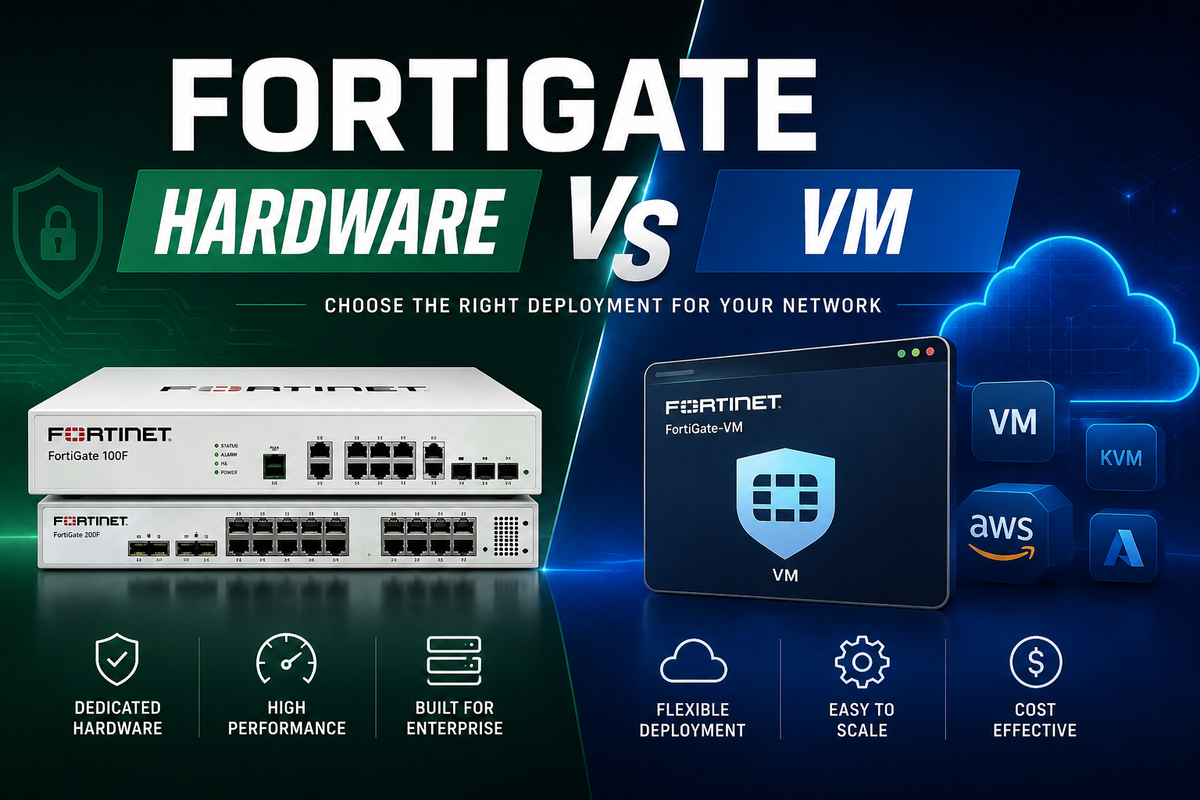
As more businesses adopt cloud and hybrid infrastructure, deciding where to deploy a firewall has become just as important as choosing the firewall itself. FortiGate hardware and FortiGate VM deliver the same trusted Fortinet security platform, but they are built for different deployment models.
FortiGate hardware is a dedicated physical appliance for securing offices, branch locations, data centres and network edge environments. FortiGate VM runs as a virtual appliance within cloud and virtual infrastructure, and it extends the same security capabilities to modern workloads.
Knowing how each option is deployed can help you choose the right solution based on your infrastructure, performance requirements, budget and long-term growth plans.
What Is FortiGate Hardware?
FortiGate hardware is a dedicated physical firewall appliance that protects traffic entering and leaving a business network. Installed at offices, branch locations, data centres or network edges, it provides security, connectivity and traffic control for on-premises environments.
It supports a wide range of networking and security functions, including firewall policies, VPN connectivity, secure SD-WAN, application control, threat protection and integration with the Fortinet Security Fabric.
FortiGate hardware is commonly used for:
-
Office network security
-
Branch firewall protection
-
Data centre perimeter security
-
Secure SD-WAN
-
VPN access
-
Network segmentation
-
Internet traffic control
-
Fortinet Security Fabric deployments
-
High-performance firewall inspection
What Is FortiGate VM?
FortiGate VM is the virtual appliance edition of FortiGate, designed to provide the same core security capabilities within cloud and virtual environments. Instead of dedicated hardware, it runs as software on supported hypervisors and cloud platforms.
It enables organisations to secure workloads hosted in public cloud, private cloud, virtual data centres and hybrid environments while maintaining consistent Fortinet security policies across their infrastructure.
FortiGate VM is commonly used for:
-
Public cloud firewall protection
-
Private cloud security
-
Virtual data centre protection
-
Hybrid cloud environments
-
Cloud workload security
-
Segmentation inside virtual networks
-
Protecting applications hosted in cloud infrastructure
-
Extending Fortinet policies into cloud environments
Main Differences Between FortiGate Hardware and FortiGate VM
Although FortiGate hardware and FortiGate VM deliver many of the same security capabilities, they are designed for different deployment models. Comparing where each option performs best can help you determine the right firewall for your environment.
Deployment
The primary difference between FortiGate hardware and FortiGate VM is how they are deployed.
FortiGate hardware is installed as a dedicated physical appliance, while FortiGate VM runs as a virtual firewall inside cloud or virtual infrastructure.
A physical appliance is ideal when traffic passes through an office, branch or data centre network. A virtual firewall is better suited to protecting workloads that run inside public cloud, private cloud or virtual environments.
The table below provides a quick comparison of the two deployment models before exploring each area in more detail.
|
Area |
FortiGate Hardware |
FortiGate VM |
|
Deployment type |
Physical appliance |
Virtual appliance |
|
Best fit |
Offices, branches, data centres, edge sites |
Cloud, private cloud, virtualised environments |
|
Hardware control |
Dedicated Fortinet hardware |
Runs on cloud or virtual infrastructure |
|
Performance model |
Uses physical appliance capacity |
Depends on VM resources and host/cloud platform |
|
Scaling model |
Upgrade appliance or add units |
Adjust virtual resources or deploy more instances |
|
Common use case |
Branch and perimeter firewall |
Cloud and virtual network firewall |
|
FortiSecure fit |
FortiGate firewalls, FortiSecure Edge, FortiSecure Branch |
Virtual Appliances, cloud security, hybrid deployments |
Performance and Hardware Acceleration
Performance is one of the biggest reasons businesses choose FortiGate hardware.
Physical FortiGate appliances are built on Fortinet hardware and can include purpose-built security processors. These processors are designed to accelerate firewall and security inspection tasks, which can be important for high-throughput environments.
This makes FortiGate hardware a strong fit when the business needs:
-
Predictable firewall performance
-
High traffic throughput
-
Heavy security inspection
-
Branch or data centre edge protection
-
Dedicated appliance resources
-
Low-latency traffic handling
-
Secure SD-WAN at physical sites
FortiGate VM can also be powerful, but its performance depends on the virtual environment. CPU, memory, storage, network interfaces, cloud instance type, hypervisor performance and licensing all affect the result.
Cloud and Hybrid Use Cases
FortiGate VM is usually the better option when the business needs firewall protection inside cloud environments.
A physical appliance cannot sit directly inside a cloud virtual network in the same way a VM can. If your workloads run in public cloud, private cloud or virtual data centres, FortiGate VM can protect traffic closer to those workloads.
FortiGate VM is useful when you need to secure:
-
Cloud-hosted applications
-
Virtual private cloud environments
-
Hybrid cloud workloads
-
East-west traffic between cloud systems
-
Internet-facing cloud resources
-
Virtual data centres
-
Cloud-based development and production networks
This is where FortiGate VM supports modern infrastructure. It allows businesses to extend Fortinet security beyond physical locations and into virtual environments.
Branch and Office Use Cases
FortiGate hardware is usually the better option for offices and branches.
A physical site needs a firewall that connects directly to internet links, switches, access points, servers and user networks. A FortiGate appliance can act as the security edge for that location.
FortiGate hardware is useful when you need to secure:
-
Local office networks
-
Branch locations
-
Retail sites
-
Warehouses
-
On-premises servers
-
Staff internet access
-
Local VPN access
-
Secure SD-WAN connections
-
Physical network segmentation
For FortiSecure customers, this connects closely with FortiSecure Edge and FortiSecure Branch. These environments usually need reliable physical firewall control at the site level.
Licensing and Cost Considerations
FortiGate hardware and FortiGate VM also differ in how businesses should think about cost.
With FortiGate hardware, the business buys or procures a physical appliance, then adds the required Fortinet subscriptions, support and security services. The cost is tied to the appliance model, support level and security bundle.
With FortiGate VM, the cost depends on the virtual licence, cloud or hosting infrastructure, resource allocation and subscription model. In some cloud environments, FortiGate VM may be available through marketplace-style deployment or bring-your-own-licence options.
This means the cheaper option is not always obvious.
A physical appliance may be more predictable for a branch office. A VM may be more flexible for cloud infrastructure. The right model depends on where the firewall is deployed and how the environment is expected to grow.
Management and Security Policy
Both FortiGate hardware and FortiGate VM can support Fortinet security policies and management workflows.
This is useful for businesses that want consistent firewall policy across physical and virtual environments. For example, a company may use FortiGate appliances at branch offices and FortiGate VM in cloud environments.
That creates a hybrid model where Fortinet security can follow the business across:
-
Office sites
-
Branch networks
-
Data centres
-
Cloud workloads
-
Private cloud environments
-
Remote access pathways
-
Application environments
For businesses already using Fortinet, this consistency is a major advantage. It avoids having one firewall strategy for physical networks and a completely separate one for cloud workloads.
Does FortiGate VM Replace FortiGate Hardware?
Not always.
FortiGate VM replaces a physical appliance only when a virtual firewall is the appropriate deployment model. It does not eliminate the need for a dedicated firewall at offices, branch locations, data centres or network edge environments where physical traffic must be secured.
Rather than replacing FortiGate hardware, FortiGate VM extends Fortinet security into cloud and virtual infrastructure. This makes it a valuable addition for organisations operating across both on-premises and cloud environments.
Which One Should You Choose?
The right choice depends on where your users, applications and network traffic are located. While FortiGate hardware and FortiGate VM deliver many of the same core security capabilities, each is designed for a different deployment model.
-
Choose FortiGate hardware if you need to secure physical locations, such as offices, branches, warehouses, retail stores, industrial sites or data centres. A dedicated appliance provides reliable performance for on-premises networking, secure SD-WAN, VPN connectivity and network segmentation.
-
Choose FortiGate VM if your workloads run in public cloud, private cloud, virtualised environments or hybrid infrastructure. It provides the flexibility to deploy Fortinet security directly within virtual networks and cloud platforms.
-
Consider using both if your business operates across physical sites and cloud environments. Many organisations combine FortiGate hardware at branch or office locations with FortiGate VM in cloud infrastructure to maintain consistent security policies across their entire network.
Here is a quick guide to the most suitable deployment for common business requirements.
|
Business Need |
Best Fit |
|
Office firewall |
FortiGate hardware |
|
Branch firewall |
FortiGate hardware |
|
Secure SD-WAN at physical locations |
FortiGate hardware |
|
Cloud workload protection |
FortiGate VM |
|
Private cloud firewall |
FortiGate VM |
|
Virtual data centre security |
FortiGate VM |
|
Hybrid cloud security |
Both |
|
Physical and cloud policy consistency |
Both |
|
High-performance appliance-based inspection |
FortiGate hardware |
|
Flexible cloud deployment |
FortiGate VM |
Final Thoughts
FortiGate hardware and FortiGate VM are designed for different deployment scenarios rather than competing directly. The best option depends on where your firewall is needed and how your infrastructure is built.
FortiGate hardware is the right choice for securing physical locations, such as offices, branches, data centres and network edge environments. FortiGate VM is better suited to protecting workloads in cloud, private cloud, virtualised and hybrid environments.
For many organisations, the most effective approach is to use both. Deploying FortiGate hardware at physical sites and FortiGate VM within cloud infrastructure creates a consistent security architecture that extends across on-premises and virtual environments.
For FortiSecure customers, this approach aligns naturally with FortiSecure Edge, FortiSecure Branch, Virtual Appliances and hybrid infrastructure deployments.
Ultimately, the right decision is to deploy the firewall where your users, applications and traffic need protection. Matching the deployment model to your environment will help maximise performance, simplify management and support future growth.
FAQs
What is the difference between FortiGate hardware and FortiGate VM?
FortiGate hardware is a physical firewall appliance. FortiGate VM is a virtual firewall appliance that runs in cloud, private cloud or virtualised environments.
Is a FortiGate VM the same as a FortiGate firewall?
FortiGate VM provides FortiGate firewall capabilities in a virtual appliance format. It is designed for virtual and cloud deployments rather than physical appliance installation.
Is FortiGate hardware better than FortiGate VM?
FortiGate hardware is better for physical network locations that need dedicated firewall performance. FortiGate VM is better for cloud and virtual environments. The better option depends on deployment needs.
Can FortiGate VM replace a physical FortiGate firewall?
FortiGate VM can replace physical hardware only when the firewall is needed inside a virtual or cloud environment. For offices, branches and physical network edges, FortiGate hardware is usually still needed.
When should I use FortiGate VM?
Use FortiGate VM when you need Fortinet firewall protection in public cloud, private cloud, virtual data centres or hybrid cloud environments.
When should I use FortiGate hardware?
Use FortiGate hardware when you need a physical firewall for an office, branch, data centre, secure SD-WAN deployment or on-premises network edge.
Can a business use FortiGate hardware and FortiGate VM together?
Yes. Many businesses use FortiGate hardware for physical sites and FortiGate VM for cloud or virtual environments. This helps keep firewall policy and security controls more consistent.