
Business Wi-Fi needs to do more than provide wireless coverage. As more employees, customers, devices and business applications rely on wireless connectivity, the way Wi-Fi is managed and secured becomes an important part of network planning.
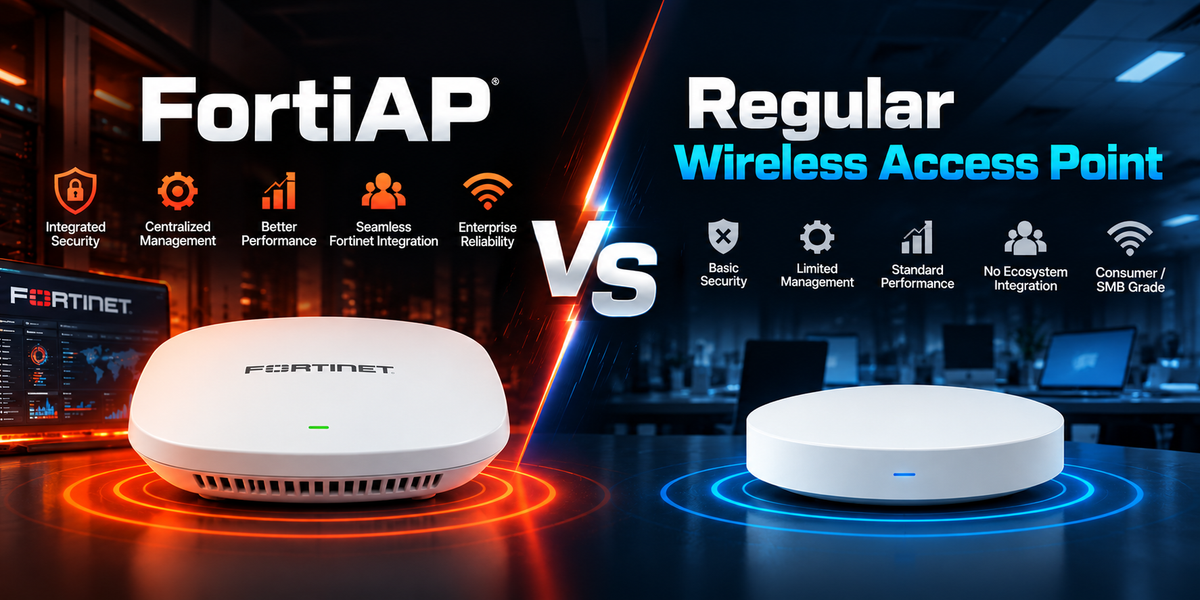
A regular wireless access point provides wireless connectivity, while FortiAP adds integration with the wider Fortinet security and network management environment.
This difference can be particularly relevant for organisations using FortiGate or other Fortinet solutions. Instead of managing wireless as a completely separate network layer, FortiAP can bring wireless access closer to firewall policies, network segmentation, user visibility and centralised management.
This guide compares FortiAP with regular wireless access points across security, management, FortiGate integration, guest Wi-Fi, branch deployments and common business use cases.
What Is FortiAP?
FortiAP is Fortinet’s wireless access point product family, designed to provide business Wi-Fi alongside Fortinet security and network management.
FortiAP models are available for different environments, including offices, branches, campuses, outdoor locations and other business deployments. Features and capabilities vary by model.
One of the main advantages of FortiAP is its integration with FortiGate. FortiGate can provide wireless controller functionality for FortiAP deployments, allowing businesses to manage wireless access alongside other parts of their Fortinet network.
FortiAP can support use cases such as:
-
Office Wi-Fi
-
Guest Wi-Fi
-
Branch wireless networks
-
Retail environments
-
Warehouses
-
Schools and campuses
-
Healthcare environments
-
Remote offices
-
Business wireless networks
For organisations already using Fortinet, this integration can make wireless management more consistent with the rest of the network.
What Is a Regular Wireless Access Point?
A regular wireless access point is a network device that allows wireless devices to connect to a wired network. It provides Wi-Fi connectivity for laptops, phones, tablets, printers, scanners and other compatible devices.
Wireless access points vary considerably between vendors and models. Basic devices may focus primarily on wireless coverage, while business and enterprise access points can offer features such as multiple SSIDs, VLAN support, guest access, monitoring and security controls.
In this article, ‘regular wireless access point’ refers to a non-Fortinet access point that is managed separately from the Fortinet security environment.
A regular access point can be suitable for many networks. The key consideration is whether its management, security and integration capabilities match the requirements of the business.
FortiAP vs Regular Wireless Access Point: A Quick Comparison
Both can provide Wi-Fi connectivity, while business-grade access points from different vendors can also offer advanced security and management features. The key difference is how the wireless access point fits into the wider network and security environment.
|
Area |
FortiAP |
Regular Wireless Access Point |
|
Main role |
Business Wi-Fi with Fortinet integration |
Wireless connectivity |
|
Management |
FortiGate or Fortinet cloud management options, depending on deployment |
Depends on vendor and model |
|
Security integration |
Integrates with Fortinet security architecture |
Depends on vendor and network design |
|
Guest Wi-Fi |
Supports business guest access use cases |
Varies by model |
|
Network visibility |
Can provide visibility within the Fortinet environment |
Depends on vendor management platform |
|
FortiGate integration |
Designed for Fortinet integration |
Not FortiGate-native |
|
Best fit |
Fortinet-based business networks |
Standalone or mixed-vendor networks |
The right choice depends less on basic Wi-Fi capability and more on how the wireless network needs to be managed and secured.
The Benefits of an Integrated Fortinet Network
FortiGate integration is one of the main reasons businesses may consider FortiAP.
In a network using separate vendors, the firewall, switches and wireless access points may each have their own management platforms. This can create additional administration when configuring policies, monitoring devices or troubleshooting connectivity.
With FortiAP and FortiGate, wireless access can be managed within the Fortinet environment. This allows businesses to align wireless networks with firewall policies, segmentation and other network security controls.
This can support:
-
Centralised wireless management
-
User and device visibility
-
Network segmentation
-
Guest Wi-Fi management
-
Consistent network policies
-
Fortinet Security Fabric integration
-
More consistent branch network management
-
Integration with FortiSwitch wired networks
For organisations already using FortiGate, keeping wireless within the same ecosystem can reduce the need to manage a completely separate wireless platform.
FortiAP Management and Integration
FortiAP can be managed through FortiGate or Fortinet cloud-based management options, depending on the deployment and product configuration.
FortiAP and FortiGate
FortiGate can provide wireless controller functionality for FortiAP deployments. This allows IT teams to manage supported FortiAP access points alongside other Fortinet network components.
Depending on the deployment, administrators can manage wireless settings, networks and access policies through the Fortinet environment. This can be useful for businesses that want firewall, wired and wireless infrastructure to follow a consistent management approach.
FortiAP and FortiSwitch
FortiAP can also work alongside FortiSwitch to provide an integrated wired and wireless network.
Selected FortiSwitch models support PoE, which allows compatible FortiAP devices to receive power through their network connection. FortiSwitch provides the wired connection while FortiAP provides wireless access, with FortiGate helping bring these components together within the Fortinet environment.
This can be particularly useful for offices and branches where wireless access points need to be deployed throughout the site.
Does FortiAP Replace a Firewall?
No. FortiAP and FortiGate serve different functions.
FortiAP provides wireless network access, while FortiGate provides firewall and broader network security capabilities. When deployed together, they can form part of an integrated Fortinet network architecture.
A simple way to think about it is:
-
FortiAP provides wireless connectivity
-
FortiGate provides firewall and network security
-
FortiSwitch provides wired connectivity
-
FortiLink helps integrate FortiSwitch with FortiGate
The exact architecture will depend on the organisation’s network requirements and Fortinet deployment.
Where FortiAP Fits in a Business Network
FortiAP can be used across different business environments, from small offices and branches to larger campuses and specialised deployments.
Office and business Wi-Fi
FortiAP can provide managed wireless access for staff, visitors and business devices while integrating with the wider Fortinet environment.
Branch and distributed networks
FortiAP can help organisations maintain a consistent wireless deployment across multiple offices and remote locations.
Guest and customer Wi-Fi
FortiAP can support guest access while allowing businesses to separate visitor traffic from internal networks through appropriate network design and security policies.
Industrial and specialised environments
Fortinet also offers specialised wireless solutions for environments with requirements beyond a standard office deployment. The appropriate access point should be selected based on environmental conditions, coverage requirements and connected devices.
Which Wireless Solution Is Right for Your Network?
The right choice depends on the wider network architecture, management requirements and how wireless access needs to fit into the existing environment.
FortiAP may be a better fit when:
-
The business already uses FortiGate
-
Centralised wireless management is important
-
Wireless needs to integrate with wired and security infrastructure
-
The business operates multiple offices or branches
-
Guest and internal wireless networks need to be managed separately
-
Device and user visibility are important
-
The organisation wants wireless access integrated with the Fortinet Security Fabric
A regular business wireless access point may be more appropriate when:
-
The network has straightforward wireless requirements
-
The business uses another vendor's network infrastructure
-
Fortinet integration is not required
-
The network is small or low complexity
-
Existing wireless management tools already meet the organisation's needs
A regular business access point can still provide advanced wireless, security and management features. The key consideration is whether the solution provides the coverage, capacity, security, visibility and management capabilities the network requires.
For organisations already using FortiGate and looking to bring wireless into the same network and security environment, FortiAP can provide a more integrated approach. For simpler or mixed-vendor networks, a regular business access point may be sufficient.
Final Thoughts
Business Wi-Fi is closely connected to the wider network, so choosing an access point involves more than considering wireless coverage alone. Management, security, scalability and compatibility with existing infrastructure can all affect which solution makes sense.
FortiAP is particularly relevant for organisations looking to build a more integrated Fortinet environment, while other business-grade access points can work well where wireless infrastructure is managed separately or alongside different network platforms.
The best option is the one that fits the organisation’s current network, operational requirements and plans for future growth.
FAQs
What is the difference between FortiAP and a regular wireless access point?
Both provide wireless connectivity, but FortiAP is designed to integrate with FortiGate and the wider Fortinet security and management environment. A regular access point is managed according to its own vendor platform and network architecture.
Is FortiAP better than a regular access point?
FortiAP can be a better fit for businesses that already use FortiGate or want wireless access integrated with their Fortinet network. A regular business access point may be sufficient for simpler or mixed-vendor environments.
Does FortiAP need FortiGate?
FortiAP can be managed through FortiGate or Fortinet cloud management options depending on the deployment and product configuration. FortiGate provides the strongest integration with the broader Fortinet network and security architecture.
Can FortiAP be used for guest Wi-Fi?
Yes. FortiAP can support guest Wi-Fi deployments. When combined with appropriate FortiGate policies and network segmentation, businesses can separate guest traffic from internal networks.
Is FortiAP suitable for small businesses?
Yes. FortiAP can suit small businesses that need centrally managed Wi-Fi, guest access, network segmentation or integration with FortiGate. For very simple networks, a regular access point may be sufficient.
Does FortiAP replace FortiGate?
No. FortiAP provides wireless connectivity, while FortiGate provides firewall and broader network security capabilities. They can work together as part of a Fortinet network architecture.