
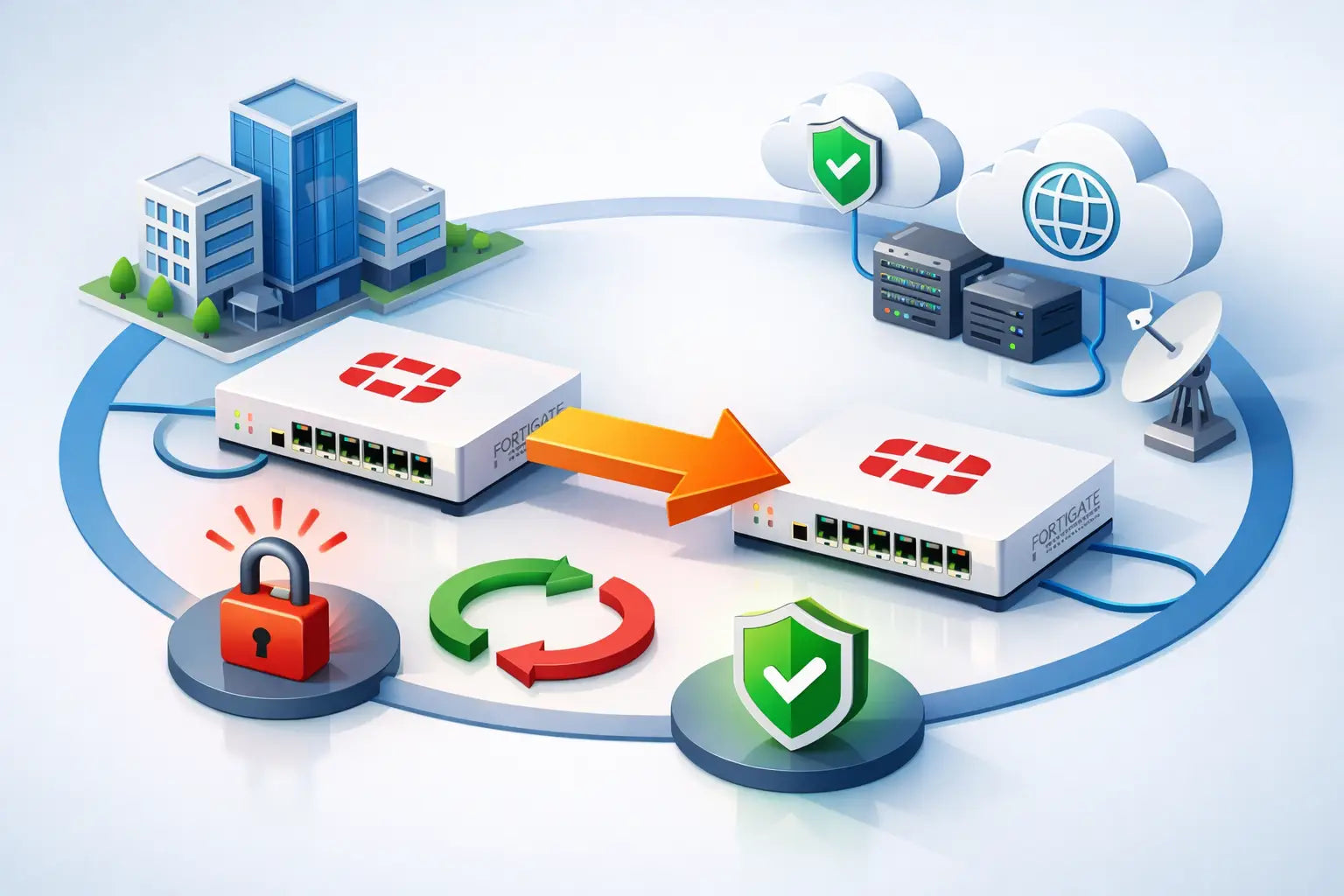
A firewall failure should be an operational event, not a business outage. This FortiGate failover deployment example shows how a typical Australian business can use a two-unit FortiGate high-availability (HA) cluster to keep internet access, site-to-site VPNs and critical applications available when one appliance fails.
The example is deliberately practical rather than oversized. It suits a head office, warehouse, professional services firm or multi-site organisation that needs enterprise-grade resilience without buying an unnecessarily complex architecture. The same design principles also apply to larger environments, although interface capacity, switching design and WAN diversity become more significant.
The FortiGate failover deployment example
Assume a business with 150 users at its main office, a primary NBN Enterprise Ethernet connection, a secondary 4G or 5G service, managed switches, corporate and guest networks, and IPsec VPNs to two branches. The organisation cannot afford to lose connectivity during office hours, but it also wants a design that is supportable by its internal IT team.
The deployment uses two matching FortiGate appliances in active-passive HA. FortiGate A is the active firewall and processes traffic. FortiGate B remains synchronised and ready to take over. Both firewalls connect to the same upstream and downstream switching environment, while two dedicated interfaces form redundant HA heartbeat links between the units.
In normal operation, users, servers and VPN connections pass through FortiGate A. If FortiGate A experiences a hardware fault, power issue, critical interface failure or monitored-path failure, FortiGate B assumes the active role. The cluster retains the production interface addresses, security policies, routing, VPN configuration and most operational state. Users may see a short interruption, but the aim is to avoid a prolonged loss of service or a manual firewall replacement under pressure.
A sensible physical layout
Each FortiGate connects to two separate switches where the switching stack or core design supports it. WAN connections should also be presented in a way that both appliances can reach them. For example, the primary carrier hand-off may connect through a suitably designed WAN switch or provider-managed termination, while the secondary mobile service can be connected to each firewall through an Ethernet-capable router or separate hand-off.
The two heartbeat links should be directly cabled between FortiGates, using dedicated ports. Direct connections reduce dependence on the production network and make cluster health easier to diagnose. One heartbeat link may be sufficient in a small deployment, but two are the more defensible choice where port availability permits.
Avoid connecting both cluster members to a single unmanaged switch. That creates a cheap-looking design with a very real single point of failure. HA protects the firewall pair, not the switching, power, carrier or DNS services around it.
How the logical design works
The FortiGate cluster presents itself as one logical firewall to the network. Production interfaces use cluster IP addressing, so the active unit can take ownership during a failover. Security policies, objects, web filtering profiles, SD-WAN rules, static routes and VPN definitions are configured once and synchronised to the secondary unit.
A practical interface plan might include a WAN interface for the primary service, a second WAN interface for mobile backup, a trunk to the core switches, and VLANs for corporate users, voice, servers, guest Wi-Fi and network management. Network segmentation remains important in an HA design. Failover is not a reason to flatten the network or reduce policy discipline.
For the WANs, SD-WAN health checks can monitor meaningful destinations, such as reliable public DNS services and a business-critical cloud endpoint. This gives the cluster two levels of continuity: it can fail over between carriers when a WAN path degrades, and it can fail over to the secondary FortiGate when the active appliance or its monitored connections fail.
These functions solve different problems. SD-WAN handles path selection and carrier failure. HA handles appliance availability. Treating one as a substitute for the other is a common design mistake.
Monitoring the interfaces that matter
HA interface monitoring tells FortiGate which failures should trigger a role change. In this example, monitor the LAN trunk and primary WAN interface, then consider the secondary WAN based on its role in the business continuity plan. If the active firewall loses connectivity to the core network while the standby still has it, a failover is appropriate.
Be selective. Monitoring every interface can create unnecessary cluster failovers when a low-priority service has an isolated issue. A guest network port, for instance, should not necessarily force the entire production firewall role to change. The right monitored interfaces are those whose loss makes the active unit materially less capable of carrying business traffic than its peer.
Set device priority so the preferred appliance returns to active status after recovery only if that behaviour suits operations. Automatic pre-emption can restore the intended primary unit, but it can also cause a second interruption shortly after the first. Many businesses prefer the recovered unit to remain standby until a maintenance window confirms it is healthy.
Configuration decisions that deserve attention
Active-passive HA is usually the right starting point for small to mid-market deployments. It is simpler to operate and avoids some traffic-flow considerations associated with active-active designs. Active-active can have a place in specialised, high-throughput environments, but it is not automatically better simply because both appliances are powered on.
Session pickup is another choice that depends on the workload. With session pickup enabled, the cluster replicates more session information to reduce disruption to established traffic flows during failover. This can benefit critical long-lived sessions and some VPN traffic. It also consumes additional resources and may not be necessary for every organisation. Assess the expected connection volume, firewall model, enabled inspection services and tolerance for brief reconnects.
Reserved management interfaces are worthwhile where the model and design permit them. They allow administrators to access each physical FortiGate independently for diagnostics without interfering with the cluster management address. Put this access on a protected management VLAN, restrict administration by source address, and use multi-factor authentication for administrative accounts.
The cluster members must be compatible. Use the same FortiGate model, matching firmware builds, appropriate licensing and compatible interface configuration. Firmware upgrades should be planned as HA maintenance, not treated as a routine single-device update. Confirm the recommended upgrade path, take configuration backups, verify available storage and test the process against the organisation's change controls.
Testing the failover before it matters
An HA pair that has never been tested is an assumption, not a continuity control. Perform initial testing during a planned change window and document the observed behaviour. Confirm that the passive unit is synchronised, then force a controlled failover by powering down the active unit or using an approved administrative action.
Watch internet access, name resolution, VPN tunnels, remote access, cloud applications, voice services and any critical inbound services. The right test is not merely whether the FortiGate reports a new primary. It is whether the business services behind it remain usable within the agreed recovery expectation.
After the active member recovers, check cluster status, configuration synchronisation, event logs and WAN health. Test a second scenario, such as disconnecting the monitored LAN uplink from the active unit. This validates that interface monitoring works as designed rather than only proving that a complete power failure is detected.
Record the failover time and any user-facing impact. If applications reconnect slowly, the issue may sit with DNS caching, VPN negotiation, load balancer behaviour or application session handling rather than the firewall itself. That distinction prevents expensive changes to the wrong component.
Operational checks after go-live
HA needs ongoing attention, although it should not create daily administration overhead. Review cluster health after configuration changes and firmware updates. Monitor HA events through FortiGate logging and alerting, and ensure configuration backups are retained off the appliance.
Power resilience matters as much as firewall resilience. Place each FortiGate on separate power supplies or UPS circuits where practical. Ensure core switches, carrier termination equipment and wireless controllers have a continuity plan as well. There is little value in a surviving standby firewall if the only upstream switch has lost power.
Capacity planning also changes in HA. An active-passive pair does not double usable firewall throughput because one unit must be capable of carrying the full production load on its own. Size the selected FortiGate for expected peak traffic with enabled security inspection, not just the raw internet bandwidth advertised by the carrier.
For organisations buying their first HA pair, FortiSecure Store can help align the FortiGate model, subscriptions and deployment support with actual traffic, compliance and continuity requirements. The best-value design is not the cheapest pair of appliances. It is the design that fails over predictably, remains supportable and gives the business a clear recovery path when a fault occurs.