
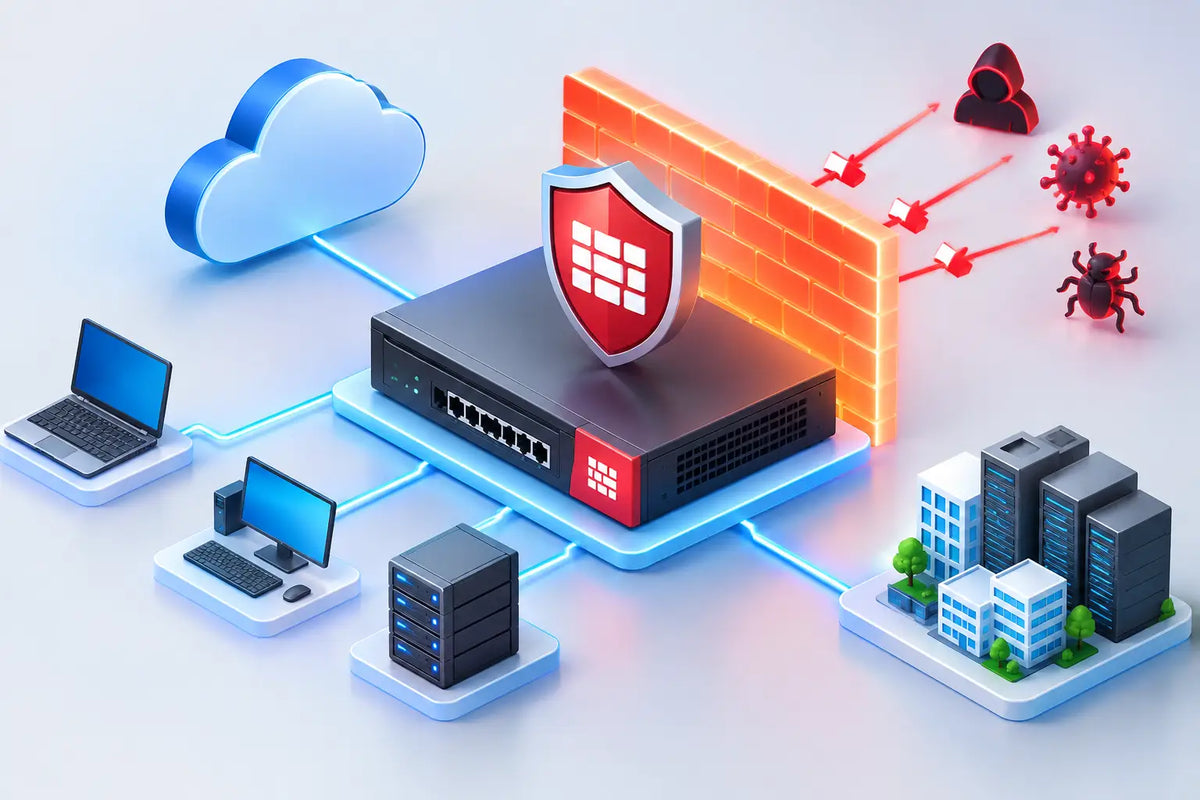
A FortiGate firewall without the right subscriptions is capable hardware with only part of its protection switched on. The essential FortiGate security services provide the threat intelligence, inspection controls and ongoing updates that turn a firewall into an active security enforcement point for your network, branches, remote users and cloud-connected workloads.
For Australian businesses, the question is not simply which bundle costs less at purchase. It is which services address the risks your organisation actually carries, without paying for controls that will not be deployed or managed properly. The right answer depends on your users, applications, regulatory obligations, internet exposure and internal IT capability.
What FortiGate security services actually do
FortiGate appliances enforce policy, segment networks, inspect traffic and provide the platform for security controls. FortiGuard security services supply the continuously updated intelligence behind many of those controls. That distinction matters. Threat signatures, malicious domains, suspicious file indicators and application classifications change constantly. A firewall cannot rely on a configuration completed two years ago and still be expected to stop current threats.
A well-selected service package helps a FortiGate identify and block known exploits, malware, risky web activity, command-and-control communications and unwanted applications. It also provides the visibility needed to investigate why traffic was blocked, what is using bandwidth, and where policy is falling short.
FortiCare is separate but equally relevant to operational resilience. It provides access to Fortinet technical support and software updates at the applicable service level. Security subscriptions protect against threats; support coverage helps keep the platform current, supported and recoverable when an incident or hardware issue demands specialist assistance.
Essential FortiGate security services to prioritise
Intrusion prevention for exposed and internal systems
Intrusion Prevention System, or IPS, is foundational for businesses running internet-facing services, VPN access, cloud connectivity or complex internal networks. It inspects traffic for exploit attempts and known attack patterns, helping prevent attackers from abusing vulnerabilities in servers, operating systems and applications.
IPS is not a replacement for patching. It is a compensating control that can reduce exposure while patches are tested and deployed, particularly where legacy applications cannot be updated immediately. For many organisations, IPS should be enabled at the perimeter and considered between important internal network segments, such as user networks and server environments.
The trade-off is performance and tuning. Deep inspection consumes resources, and overly broad policies can create false positives. A properly sized FortiGate, sensible policy design and a staged rollout are far more effective than enabling every inspection option without validating business traffic.
Antivirus and malware protection
Antivirus services inspect traffic and files for known malicious content. They are most valuable where users download files, access email, use remote access services or move data between sites. When paired with endpoint protection, antivirus inspection at the firewall adds another layer between a malicious file and a user device.
This is a layered-security decision, not an either-or choice. Endpoint controls can inspect files after they arrive on a device, while a FortiGate can stop threats before they enter the network or traverse between zones. Organisations handling sensitive data, operating shared file services or supporting a distributed workforce should generally use both.
For higher-risk environments, advanced malware analysis capabilities may also be appropriate. These services can analyse suspicious files beyond traditional signature-based detection. They are particularly relevant for organisations that regularly receive external documents, operate in regulated sectors or face targeted phishing attempts. However, they need defined response processes. Detecting a suspicious file delivers limited value if nobody knows who will isolate the endpoint, investigate the alert and notify affected users.
Web filtering and DNS security
Web filtering helps enforce acceptable internet use and reduce exposure to malicious, compromised or inappropriate websites. It can block categories such as phishing, malware, newly observed domains, anonymisers and high-risk content, while allowing legitimate business access.
DNS security extends that control earlier in the connection process by identifying known malicious or suspicious domains. This is especially useful against phishing and malware that attempts to contact external infrastructure after an initial compromise. It also gives security teams practical visibility into unusual domain activity that may otherwise be hidden within normal outbound web traffic.
The policy should fit the workforce. A small professional services firm may need a straightforward category policy with a tightly managed exception process. A school, healthcare provider or government-aligned organisation may need more restrictive categories and stronger reporting. Blocking too much creates workarounds and help desk noise; blocking too little leaves users exposed to one of the most common paths into a business.
Application control and IP reputation
Port-based firewall rules are no longer enough to explain what is crossing the network. Business applications increasingly use standard web ports, while unsanctioned tools can be introduced without formal IT approval. Application control identifies traffic by application behaviour and signature, giving administrators the ability to allow, limit or block specific services.
This is useful for managing remote access tools, peer-to-peer traffic, shadow IT, risky collaboration platforms and bandwidth-heavy applications. It can also support clearer governance where staff use cloud services that have not been assessed for privacy, data residency or contractual suitability.
IP reputation services add another practical layer. They help identify traffic associated with known malicious sources, botnets and suspicious infrastructure. Used with IPS, web filtering and antivirus, reputation intelligence reduces the chance that a basic allow rule becomes an unmonitored pathway for hostile activity.
Choose a service bundle around risk, not a feature checklist
Fortinet offers service bundles designed for different protection requirements. The most appropriate option is not automatically the most comprehensive one. A small office with managed endpoints and no public-facing systems may need a focused security subscription and reliable support coverage. A multi-site organisation with remote workers, SaaS reliance and sensitive customer data will usually benefit from broader inspection, web and DNS controls, and more mature monitoring.
Enterprise buyers should also consider operational factors that are often missed during procurement. These include encrypted traffic inspection requirements, expected internet throughput with security services enabled, log retention, incident response ownership, branch connectivity, and whether internal segmentation is part of the design. A low initial appliance price can become poor value if it is undersized for inspection or if subscriptions expire without a renewal plan.
Compliance requirements should be translated into specific controls rather than treated as a generic reason to buy more licensing. For example, an organisation may need stronger web controls, evidence of policy enforcement, centralised logging or defined support arrangements. The architecture should show how the selected services meet that requirement and who is accountable for reviewing the evidence.
Deployment quality determines the outcome
Security services are only as effective as the policy surrounding them. Enabling IPS in monitor-only mode may be sensible during initial tuning, but it should not become a permanent substitute for prevention. Likewise, web filtering exceptions need ownership and review dates, while application-control policies should reflect business-approved software rather than a generic block list.
Encrypted traffic presents a common decision point. Inspecting encrypted sessions can significantly improve threat detection because much of modern traffic uses TLS. Yet it requires certificate deployment, careful exclusions for sensitive services, privacy considerations and user communication. Some organisations begin with targeted inspection for higher-risk categories and expand once the operational model is proven.
Logging deserves the same attention. FortiGate events can reveal blocked attacks, compromised devices, failed VPN attempts and policy violations, but only if logs are retained, reviewed and connected to a response process. For businesses without a dedicated security operations function, managed monitoring or specialist support can be more cost-effective than attempting to build round-the-clock capability internally.
Buy for the full service life of the firewall
A FortiGate purchase should include the appliance, the appropriate security subscriptions, support coverage, implementation effort and a renewal strategy. Treating services as optional extras often leads to uneven protection, unplanned costs and a device that is technically installed but not delivering its intended security outcome.
FortiSecure Store helps organisations align genuine Fortinet hardware and subscriptions with practical deployment requirements, backed by certified Australian specialists who understand sizing, policy design and local operational expectations. That approach avoids confusing part numbers and focuses investment where it produces measurable protection.
The most effective next step is to assess what your firewall must protect, what traffic it must inspect and who will act on the alerts it produces. Select the services that support those answers, then configure and review them as part of normal IT operations. That is how enterprise-grade Fortinet security remains commercially sensible as your business grows.